


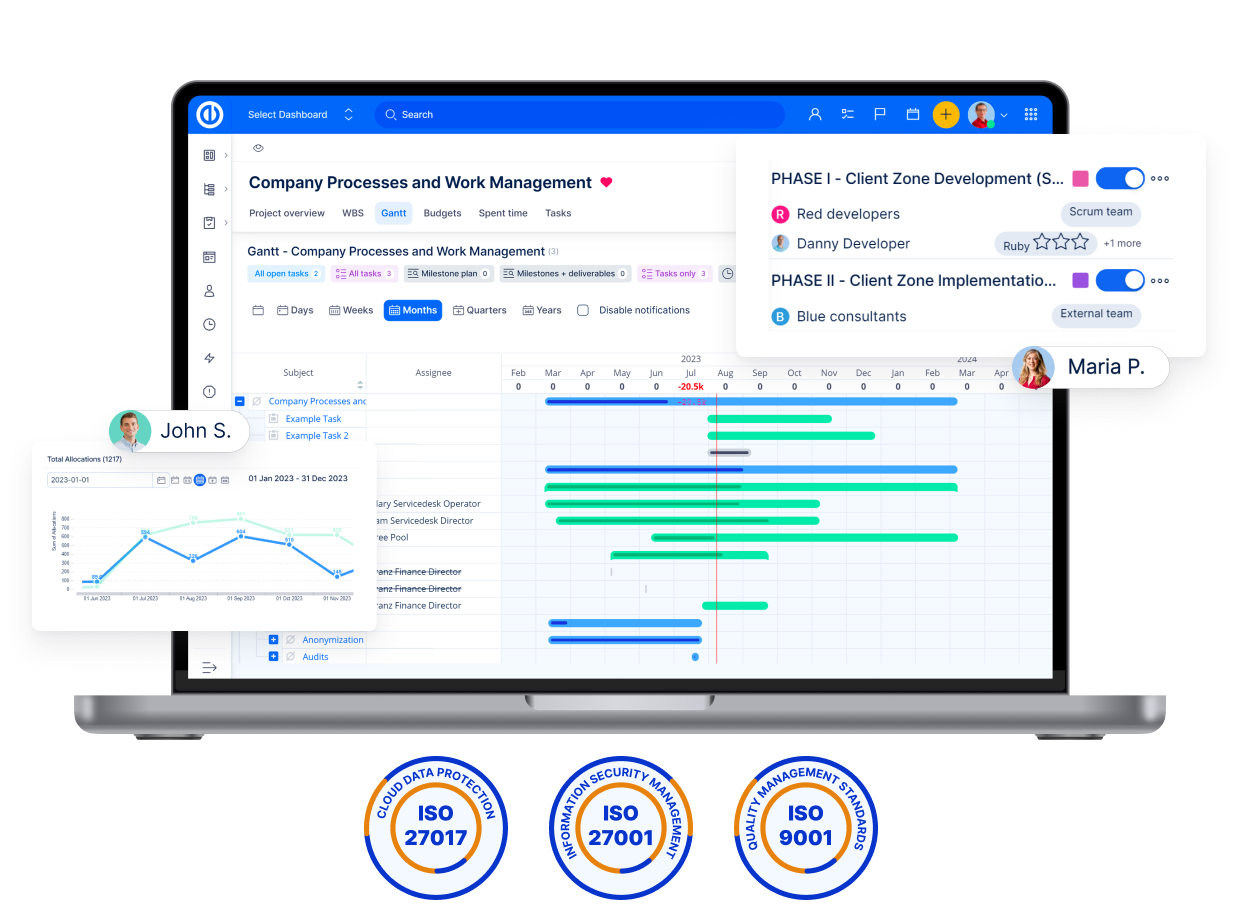
One software for your people, data and projects
Easy Redmine is the only EU-compliant software that breaks the barriers between your teams. Gain clarity & control across all your projects, support and software development.
- Agile, waterfall or hybrid project management
- Integrated AI for your tasks, projects and helpdesk
- Built in EU - ISO, GDPR, NIS 2

out of 104 reviews on Capterra and others
Trusted by 1,000+ companies worldwide


From chaos to collaboration
Your projects, IT services and code in one solution
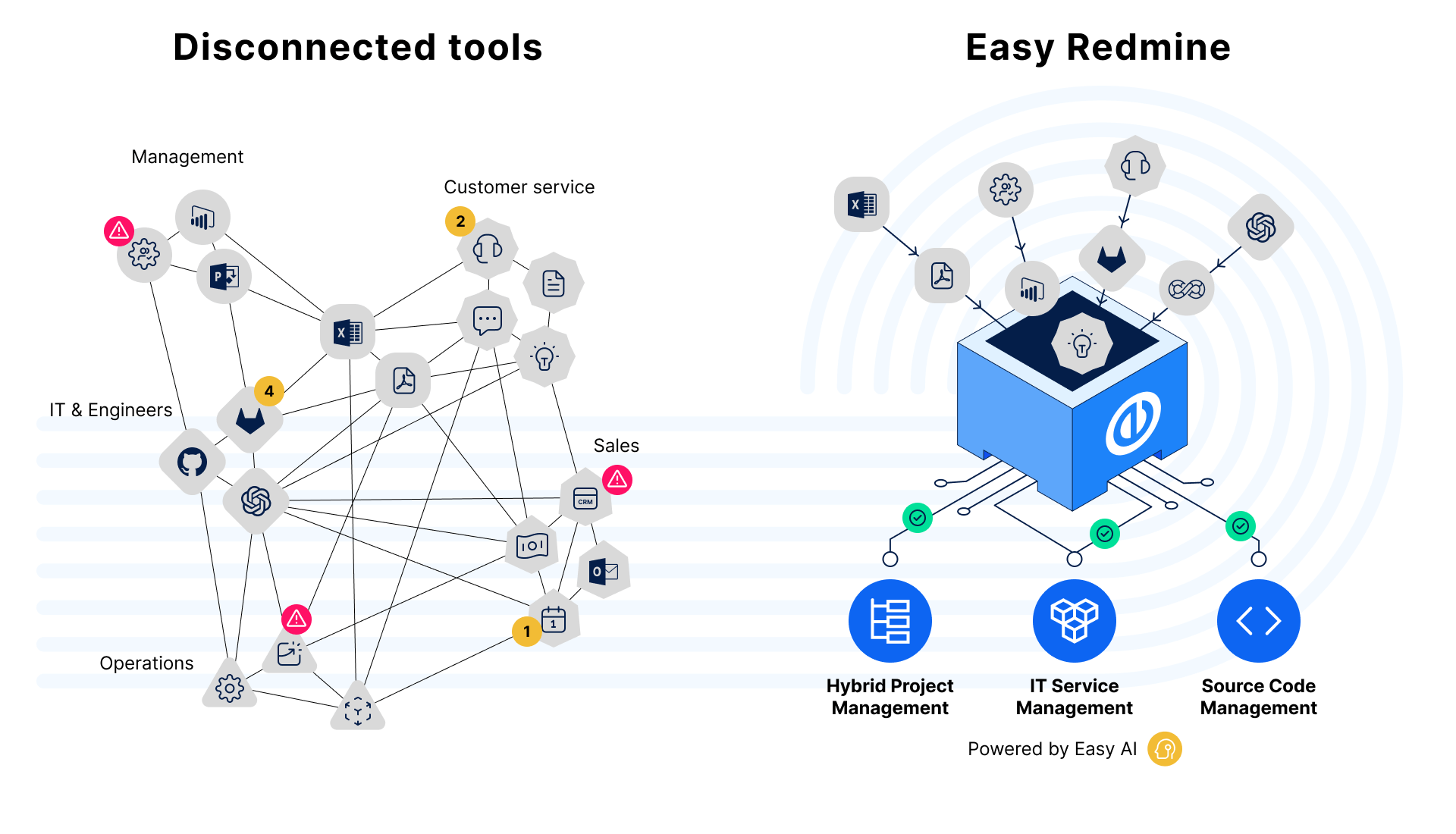
Break the silos and transform your business
You can say goodbye to siloed tools.
Easy Redmine is one unified platform that optimizes resources, ensures on-time project delivery, boosts productivity, and maximizes margins.

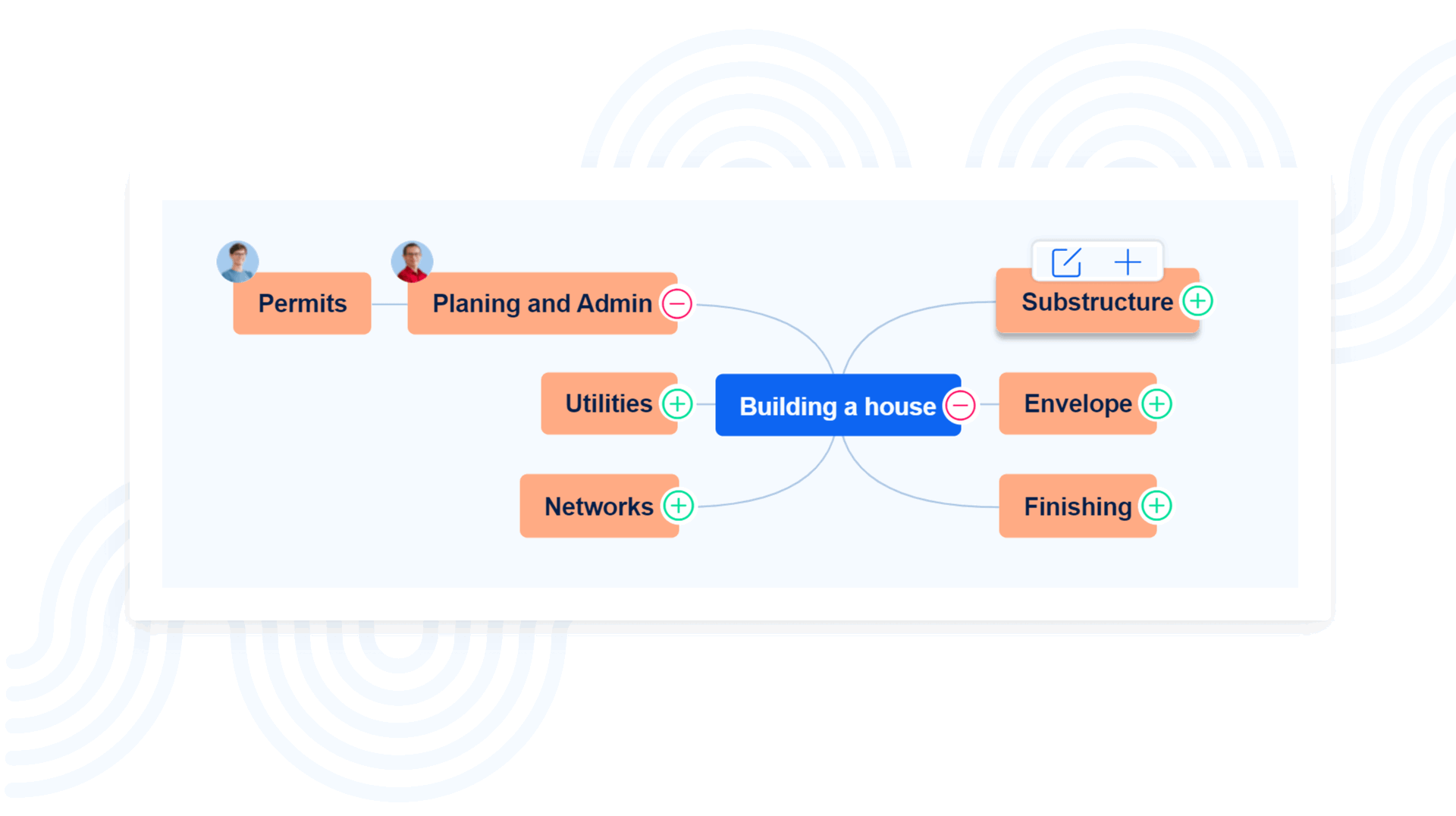
Manage complex projects effectively
Integrate all aspects of your projects from start to finish. Optimise resources, ensure timely delivery, boost productivity, and maximise margins.
Hybrid project management – handle both Waterfall and Agile methodologies in one unified suite.
Resource planning – allocate resources across projects, prevent team overload and match tasks with skills.
Do more with IT service management
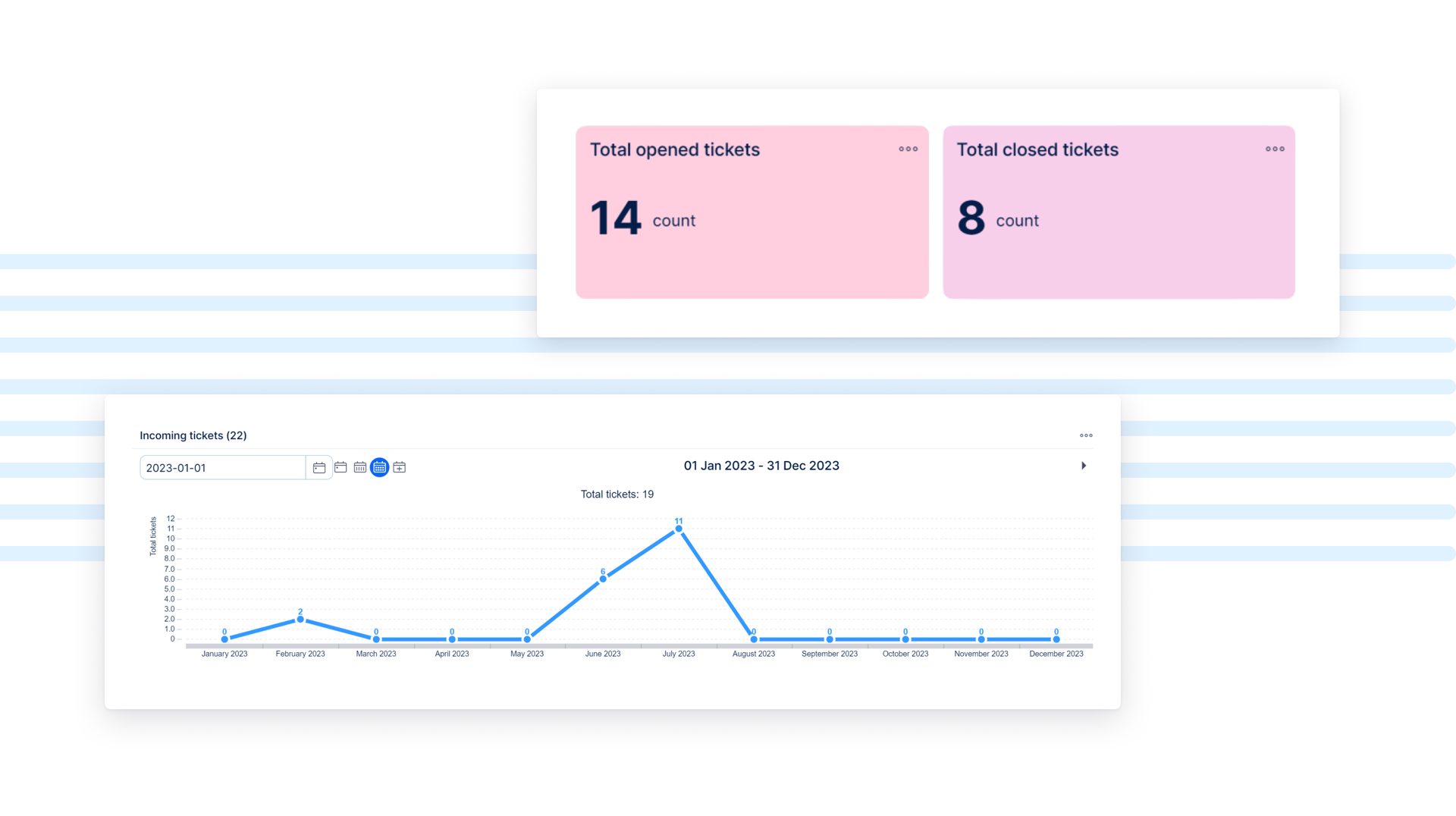
Enhance collaboration across IT, engineering, helpdesk, and development teams. Unite on a single suite to deliver resilient digital services.
AI-powered helpdesk – transform customer care with streamlined ticket processing and proven resolutions.
Knowledge base – share and use knowledge across the organisation. Increase self-service with AI-driven contextual knowledge.
Asset & configuration management – manage IT assets and service offerings, linked to your existing entities.
Optimise software development
Ensure business continuity with rapid bug resolution, minimising downtime and keeping projects on track.
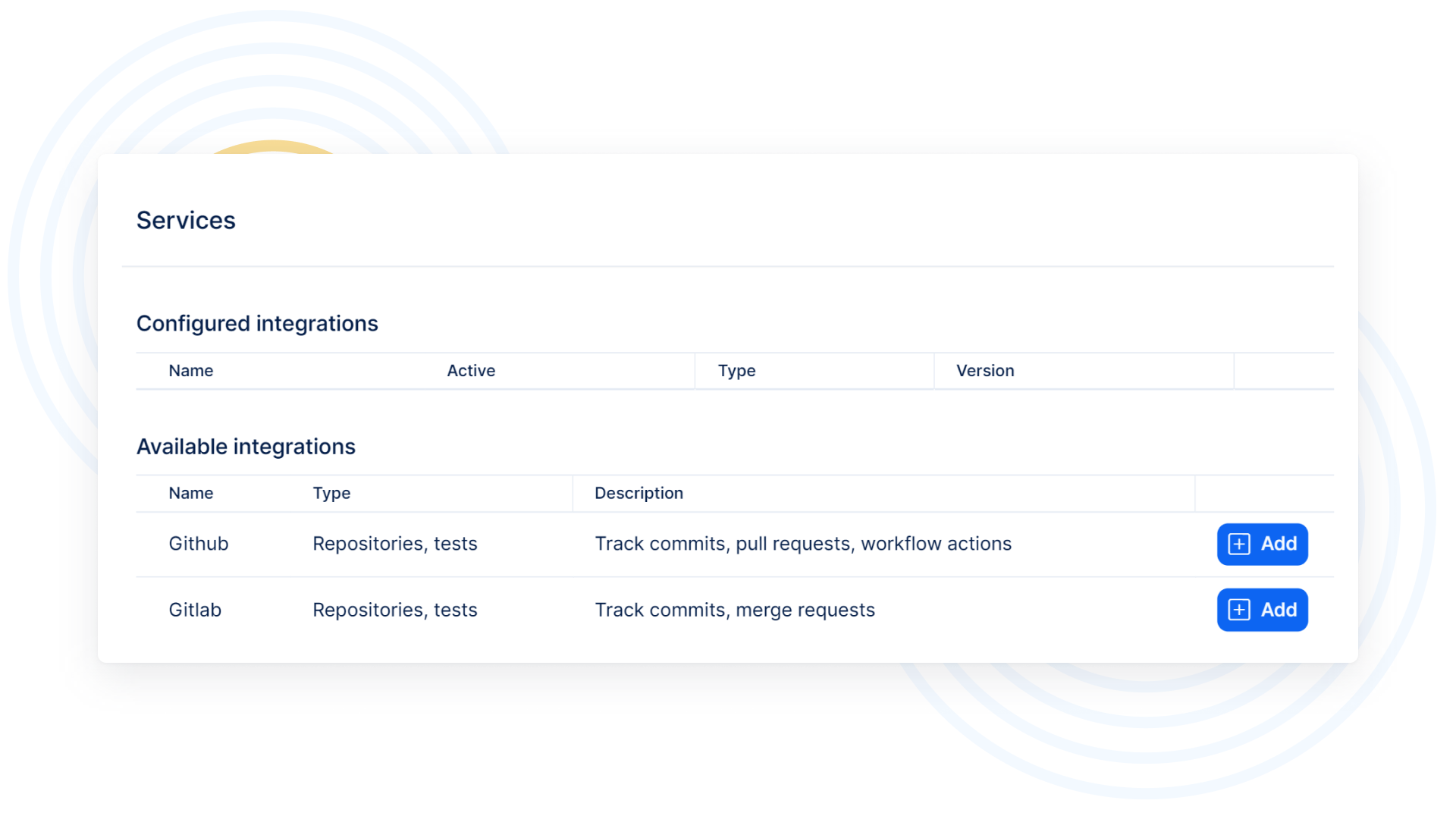
Gitlab and Github integration – access real-time updates on commits and merge requests at the task level.
Configuration management – set up and manage repositories directly from Easy Redmine.
Issue tracking and resolution – improve time to resolution and unlock strategic development goals.
Work smarter not harder with Easy AI
Bring AI to every corner of your business. Supercharge IT and developers. Empower Helpdesk agents. Automate daily project management tasks. Reinvent how your people work.
6 AI-powered assistants – discover how we can summarize important discussions, simplify knowledge search, automate project planning or boost productivity of your helpdesk operators.
First on-premise AI on the market – Easy Redmine is the only project and work management suite that offers AI Assistants for on-premises deployment. Fully secure and private.

Transforming your business – how so?
Imagine having the engine for accelerated, controlled, and secure digital transformation.
That's Easy Redmine. Try it and redefine your business.
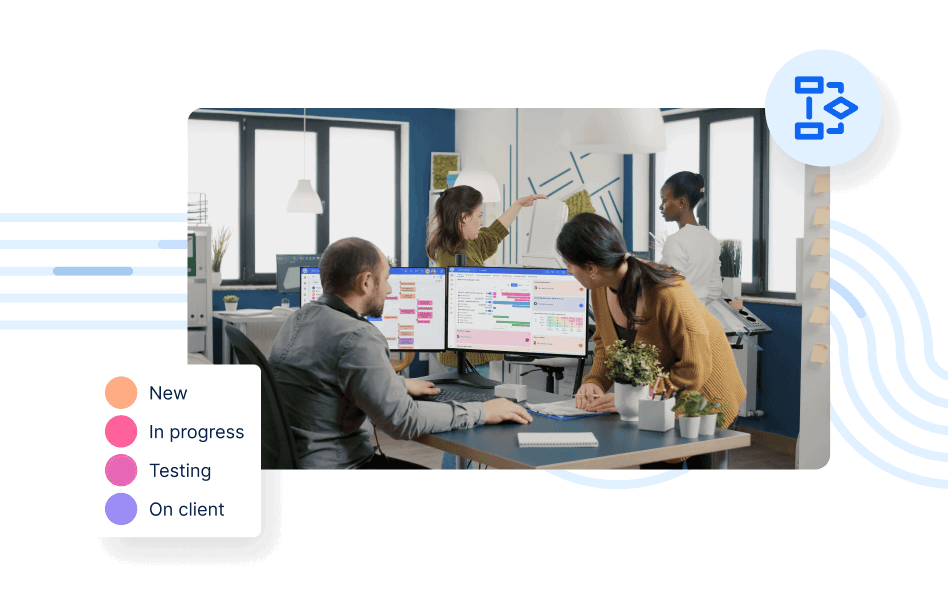
Consolidate and save
Leverage Easy Redmine to consolidate up to five siloed tools into one integrated suite – including Project and Work Management, IT Service Management, Source Code Management, Time tracking and CRM.
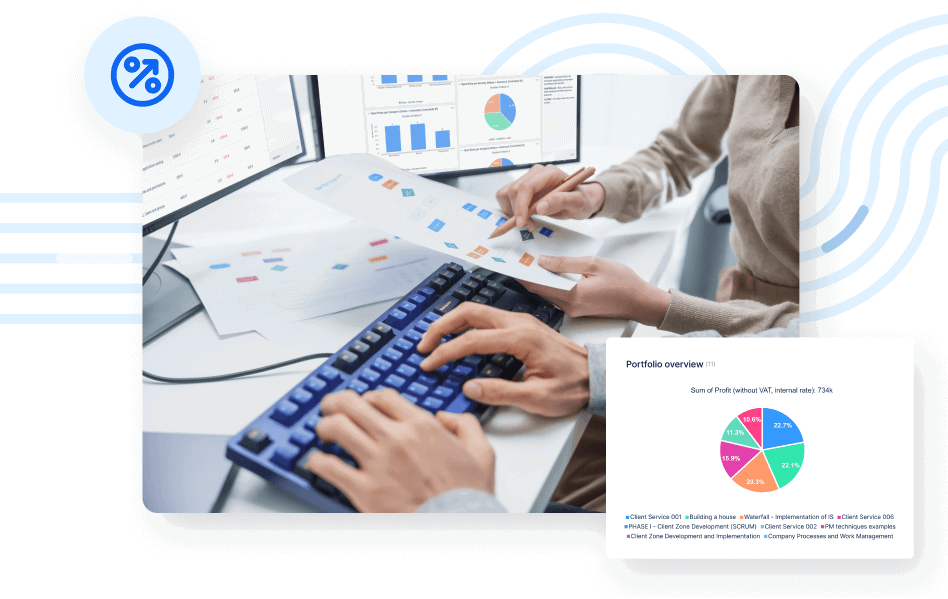
Projects under control
Gain unparalleled control over your projects from a single source of truth. Easy Redmine ensures seamless everyday processes across projects, resources, risks, and workflows. Your projects are now delivered on time and on budget.
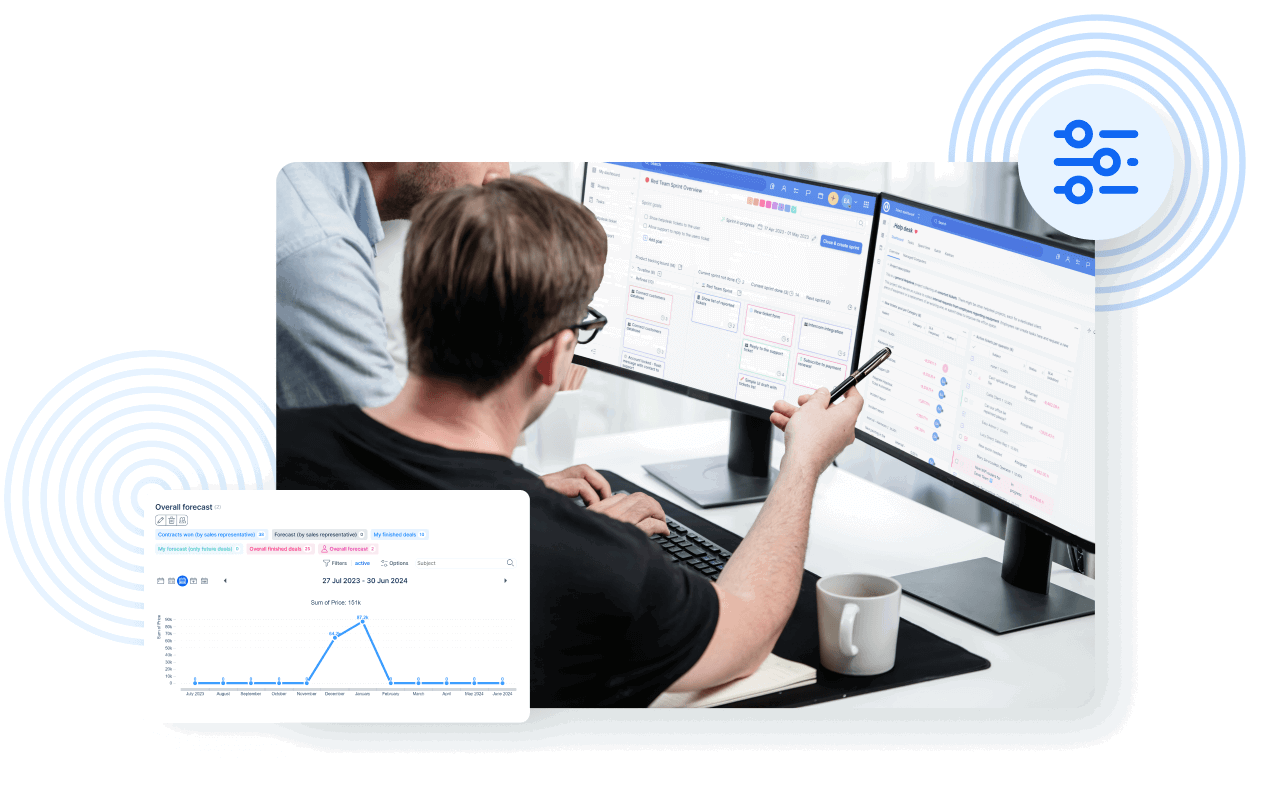
Guarantee system uptime
Guarantee uptime of critical systems you manage and meet stringent SLAs with faster, more effective bug fixes.
Leverage AI for superior productivity
Safely harnesses AI to optimize daily operations, enhance work quality, and save valuable time, ensuring your business remains ahead in the competitive digital landscape.
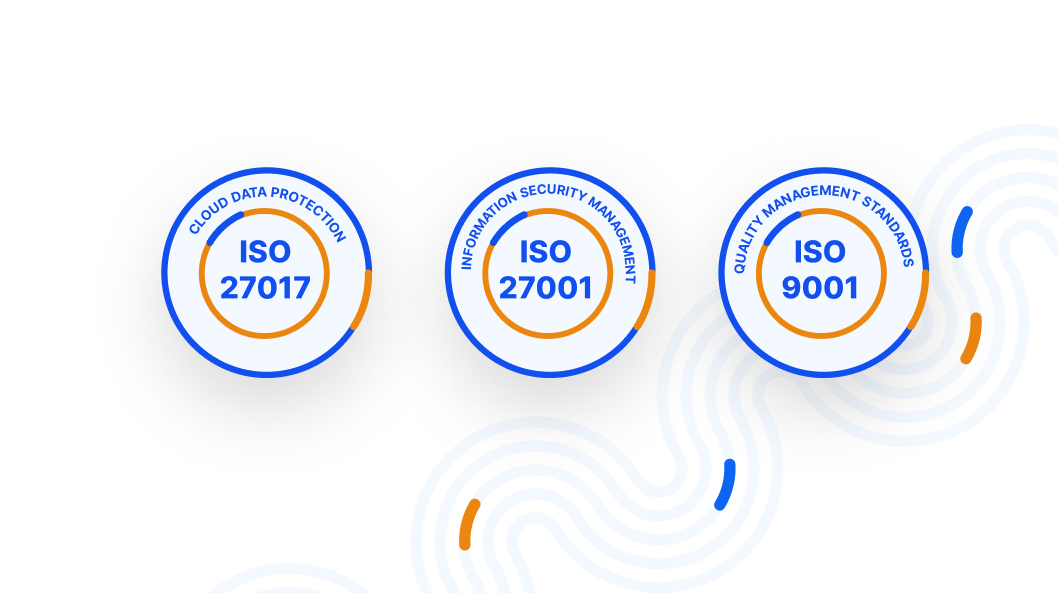
Protect your data and IP
Enjoy on-premises deployment and cloud-based hosting options with regular audits of our open source code.
Comply with ISO 27017 + ISO 27001 and future security certifications thanks to the most secure adaptive project and work management solution in the market.
Protecting intellectual property ensures your innovations and business strategies remain secure, giving you a competitive edge and safeguarding your legal rights.
Why businesses choose Easy Redmine
Businesses worldwide trust Easy with their projects.
Don’t just take our word for it – explore use cases from various industries.
Manufacturing
Easy is ideally suited to address the specific needs of manufacturing firms undertaking digital transformation, offering a suite of tools designed to manage complex project landscapes:
- Hybrid Project Management
- Integrated SCM and ITSM
- Automation and AI Assistance
- Professional Services and Flexible API
- Secure, On-Premises Deployment
- AI-Powered Assistance
Engineering & IT Services
Engineering and IT services companies in Industry 4.0 sectors now blend traditional machinery design with innovative software solutions. They manage complex projects involving hardware design, embedded software, APIs, AI, cybersecurity, and smart machine connectivity.
- Hybrid Development Models
- Complex Service Development and Integration
- Continuous Service Management
- Security and Intellectual Property
Systems Integration & Custom Software
System integrators and custom software developers are crucial for digital transformation and Industry 4.0, integrating technologies into traditional industries. They implement solutions merging automation, big data, cloud, and IoT with existing systems.
- Hybrid Project Management
- Advanced Resource Management
- Effective time tracking
- Secure and Compliant
- Customer Portal
- Customized Dashboards
- Comprehensive Automation and Flexibility
- AI-Powered Assistance
IT Operations & Service support
ISVs and online businesses are pivotal in delivering innovative software solutions tailored to a variety of business and consumer needs.
- Flexible Project Management
- Integrated ITSM and SCM
- Customizable Dashboards
- Continuous Integration and Maintenance
- Cost Management
- AI-Powered Assistance
Automotive
The automotive industry is a key player in driving forward technological innovations, integrating cutting-edge software, hardware, and processes into vehicles, production lines, and supply chains.
- Hybrid project management
- Integrated SCM and ITSM
- Services and flexible API
- On-premises deployment
- AI-powered Assistance

Aerospace & Defense
The aerospace and defense industry requires advanced project management and technological solutions to meet strict regulatory, security, and operational demands.
- Hybrid project management
- Integrated SCM and ITSM
- On-premises deployment
- AI-powered Assistance
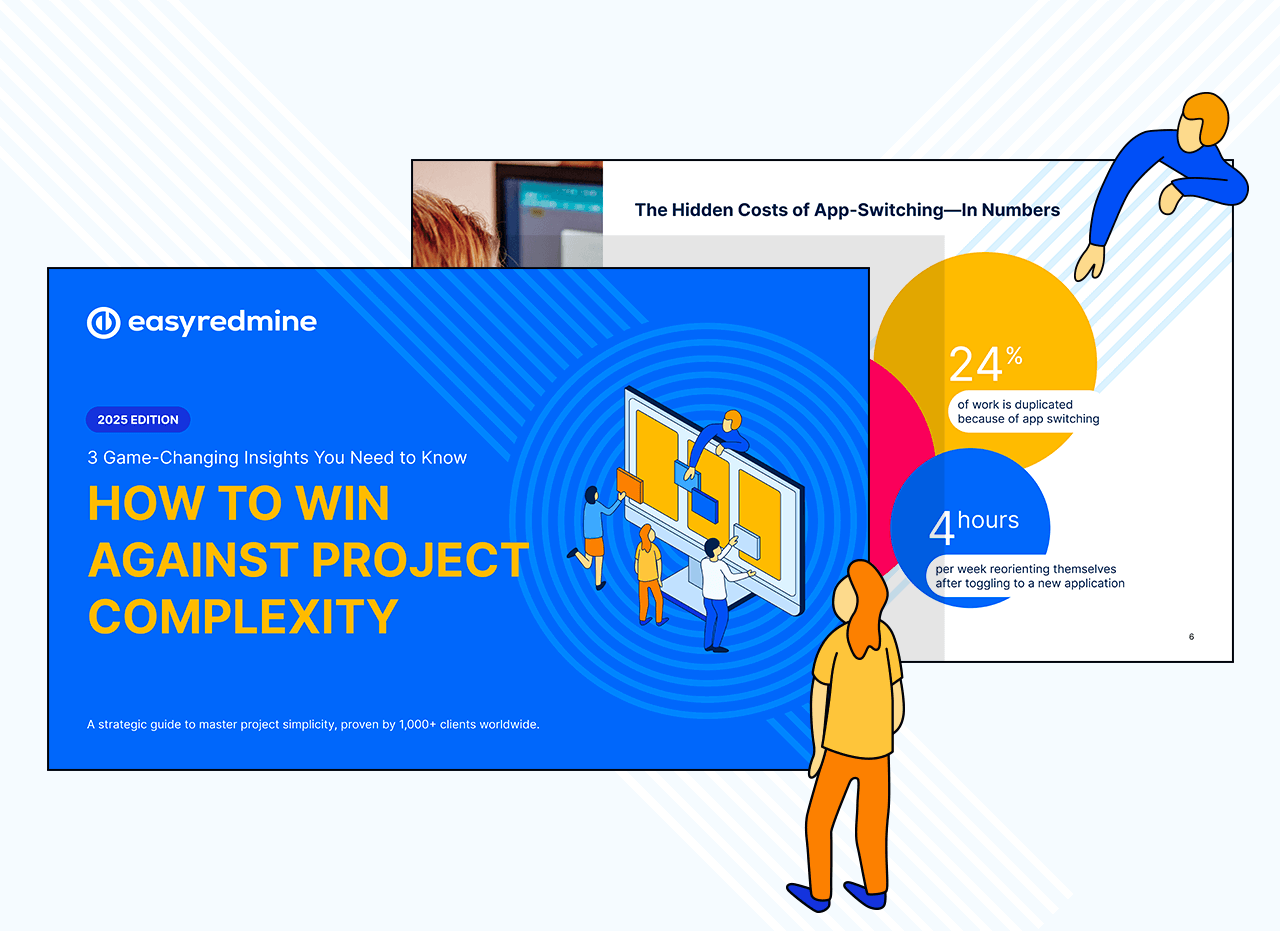
How to win against project complexity
3 game-changing insights you need to know about managing modern technology projects, proven by 1,000+ companies worldwide.
Gain insight into how:
- Seamlessly blend waterfall and agile.
- Transform support tickets into valuable assets.
- And align developers with key business objectives.
What our customers say

Michael Müller

Cyril Lécot
We adopted Easy Redmine six months ago in order to control all of our web projects. We are very happy as we now have a complete overview in terms of control of costs and staffing resources and we also have a powerful tool for interaction with our customers.

Integrate with the tools you are already using
Our tool can not only be adapted to your management style and industry requirements but can also be integrated with 1,000+ apps using n8n.
Proudly supporting PMI and the project management community

1,000+
Clients worldwide
15+
Years of development
21
Languages
85
85 partners in 26 countries
100+
Experts for you

